On Navigatr, you can follow various types of content such as badges, activities, pathways and providers to stay updated with them and find them more easily later. For example, you will recieve a notification if a badge you are following can be earned via a new method.
How to Follow
Find the content you're interested in: Use the discover page or the map view to find a piece of content that interests you.
Click the 'Follow' button: On the content page, click the ‘Follow’ button.
Viewing and Managing Followed Content
Go to your profile: Click on your profile icon and select the ‘Following’ tab to view all followed content. 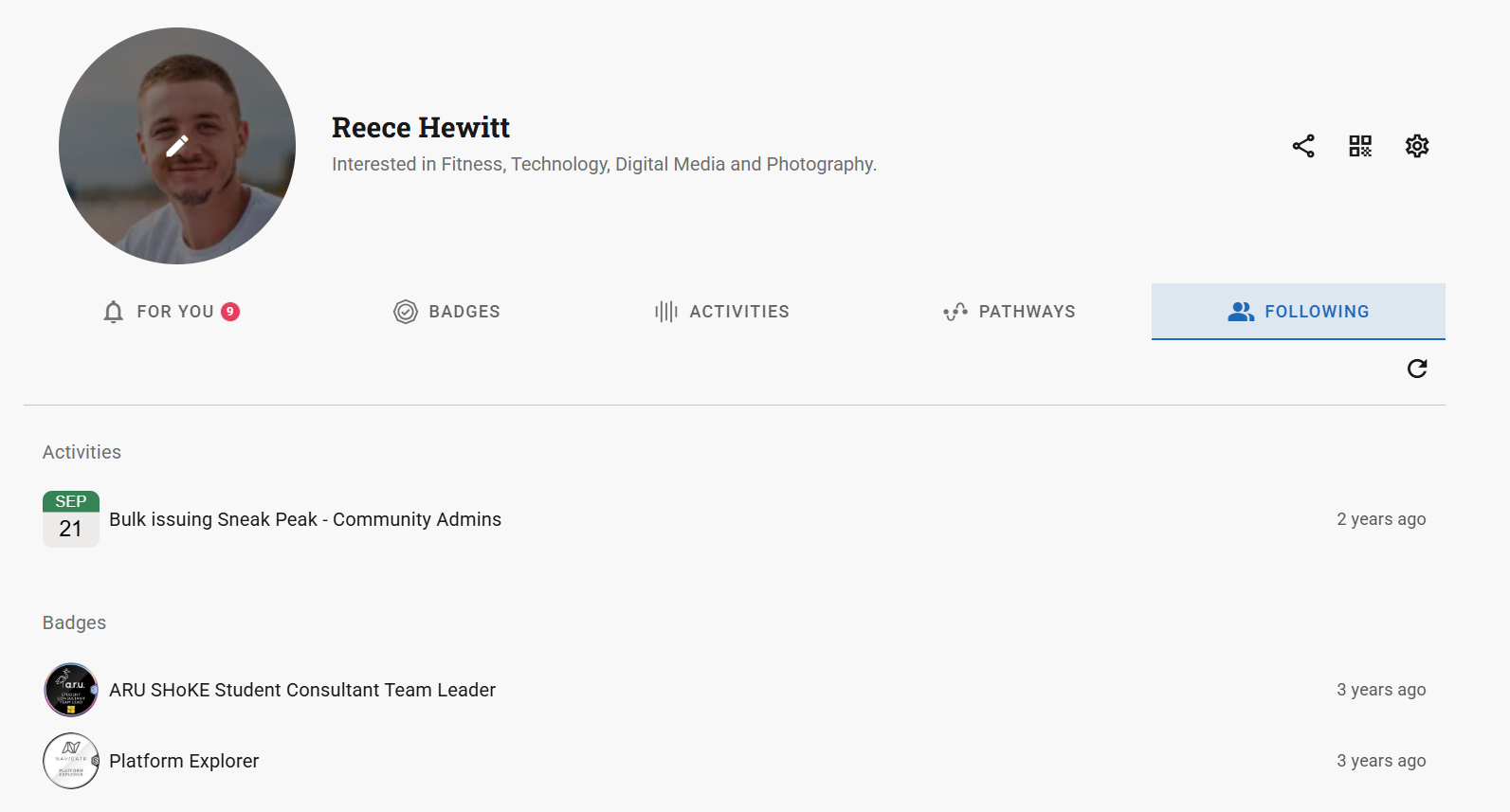
To unfollow, go to the content page and click ‘Unfollow’.
Was this article helpful?
That’s Great!
Thank you for your feedback
Sorry! We couldn't be helpful
Thank you for your feedback
Feedback sent
We appreciate your effort and will try to fix the article